Ready for live production
Configure, preview and run your ticker from one operator-focused interface.

BROADCAST GRAPHICS FOR LIVE PRODUCTION
No custom development required. Professional Latin and Arabic RTL workflows, with NDI and compatible SDI output.
WHY EASY-ONAIR
A focused solution for live producers who need reliable rolling text without the cost and complexity of building a custom graphics workflow.
Configure, preview and run your ticker from one operator-focused interface.
Run right-to-left Arabic tickers alongside Latin left-to-right content, with a plan that fits your language needs.
Explore Arabic RTL ticker → Compare language plans →Bring the ticker into compatible live production setups with NDI and supported SDI output workflows.
USE CASES
From local newsrooms to online streams, bring clear, professional scrolling information to your audience.
Professional news ticker in minutes.
Display sponsor information and announcements.
Run Latin and Arabic tickers from the same workflow.
Add broadcast-quality scrolling information to your stream.
DESIGNED FOR LIVE PRODUCTION
Add a professional scrolling ticker to your existing production setup without replacing the tools your team already uses.
NDI can carry transparency (alpha). Test the workflow with TouchPlayer before using it in production.
Compatibility depends on the exact card model, driver, operating system and TouchPlayer version.
Check supported output workflows →WATCH THE DEMO
Watch the ticker run, then explore the configuration workflow and output options before choosing a plan.
A short look at easy-onair Ticker in action with Latin LTR and Arabic RTL text.
Learn to customize the ticker, add graphic layers, save reusable templates and configure Arabic RTL text.
OPERATOR WORKFLOW
Configure and control your ticker from a dedicated operator interface. The detailed controls stay in the application; the workflow stays focused.
Read the documentation →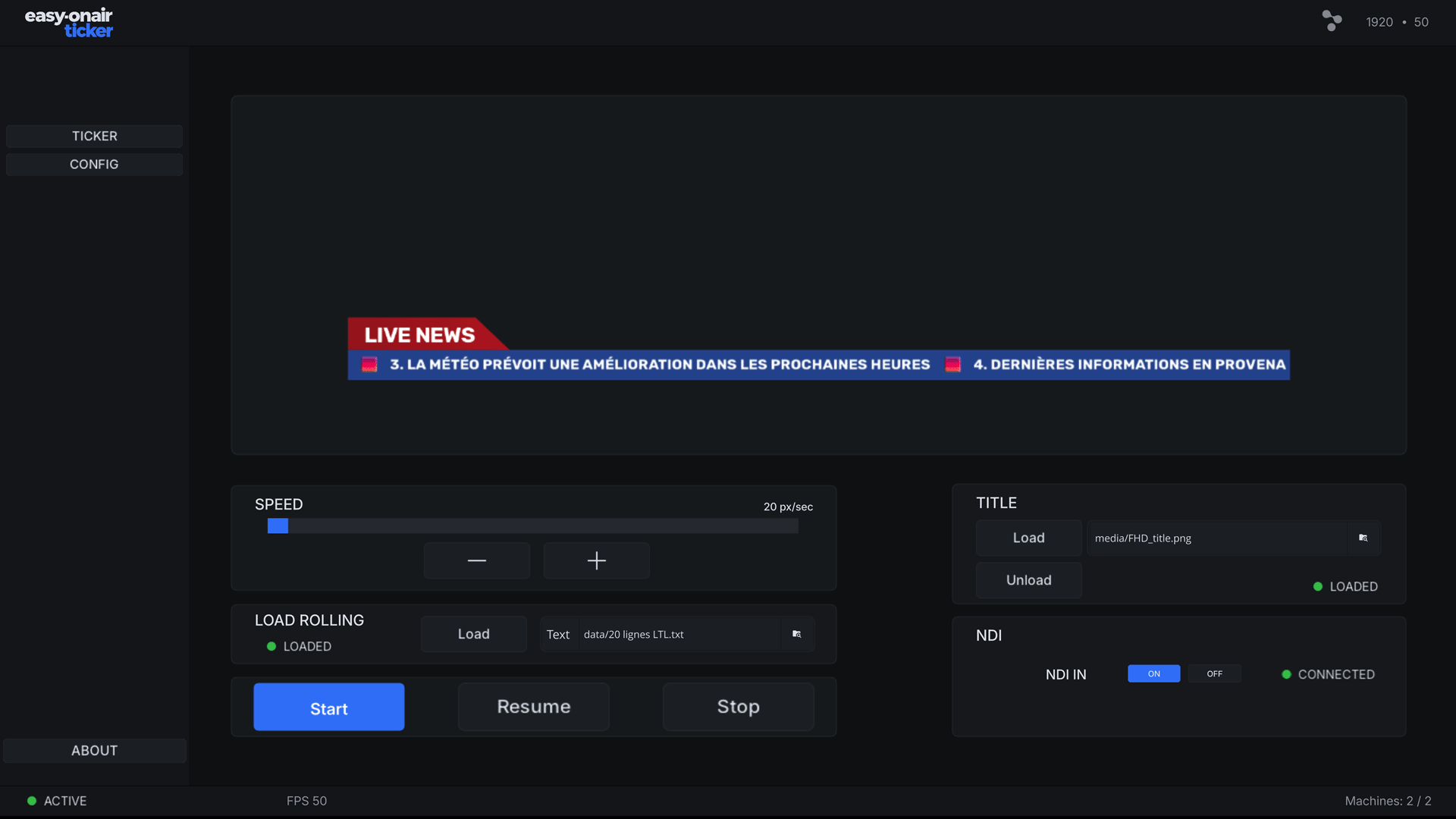
TECHNICAL DETAILS
easy-onair Ticker runs as a TouchDesigner project inside TouchPlayer. Technical capabilities such as supported resolutions, frame rates, codecs, color spaces, NDI/SDI I/O and system requirements depend on the TouchPlayer version, operating system and hardware configuration.
For detailed technical specifications, see the official TouchPlayer documentation →
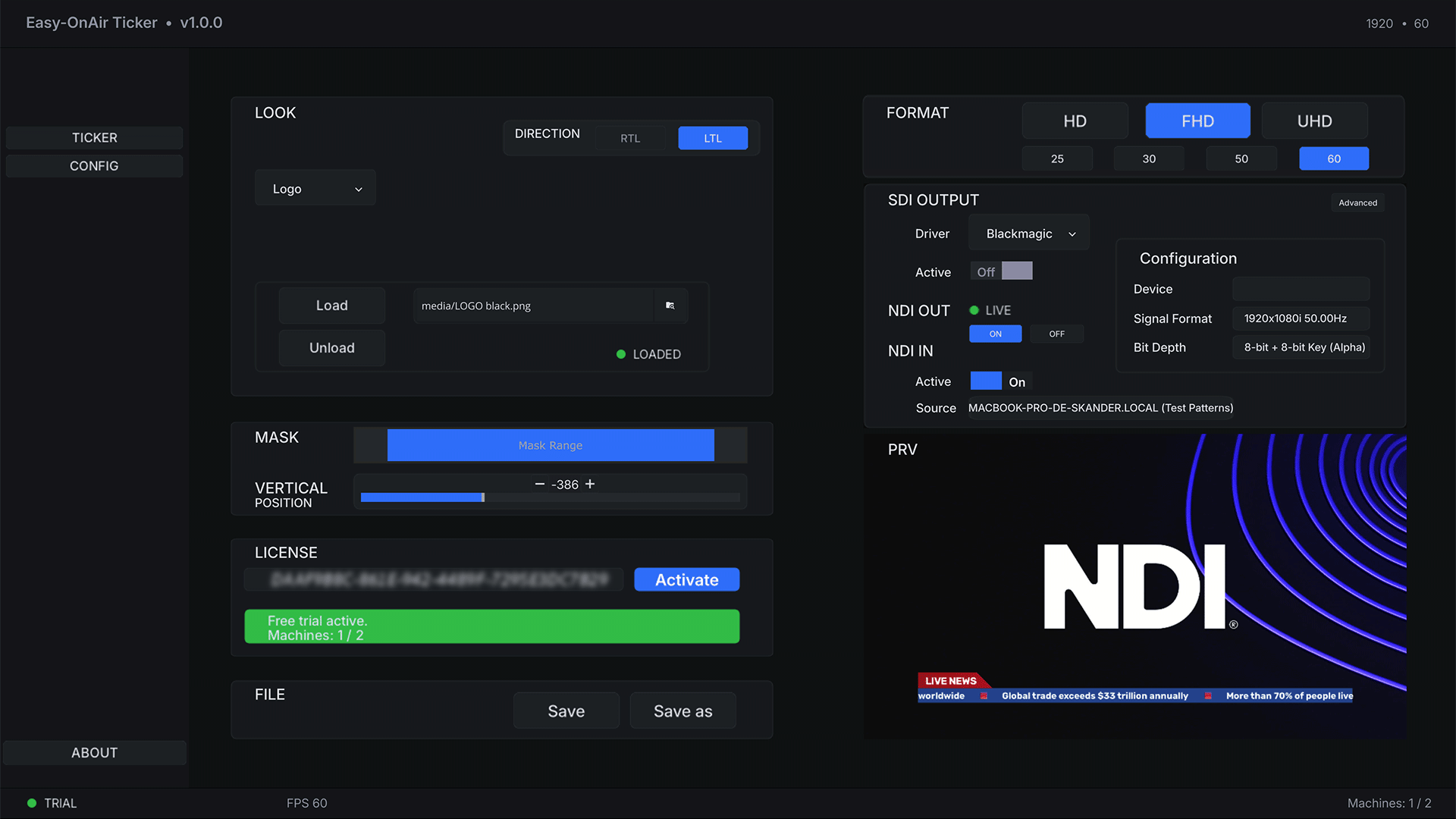
easy-onair Ticker provides NDI IN / OUT and SDI OUTPUT workflows where supported by the TouchPlayer environment and compatible hardware.
Output documentation →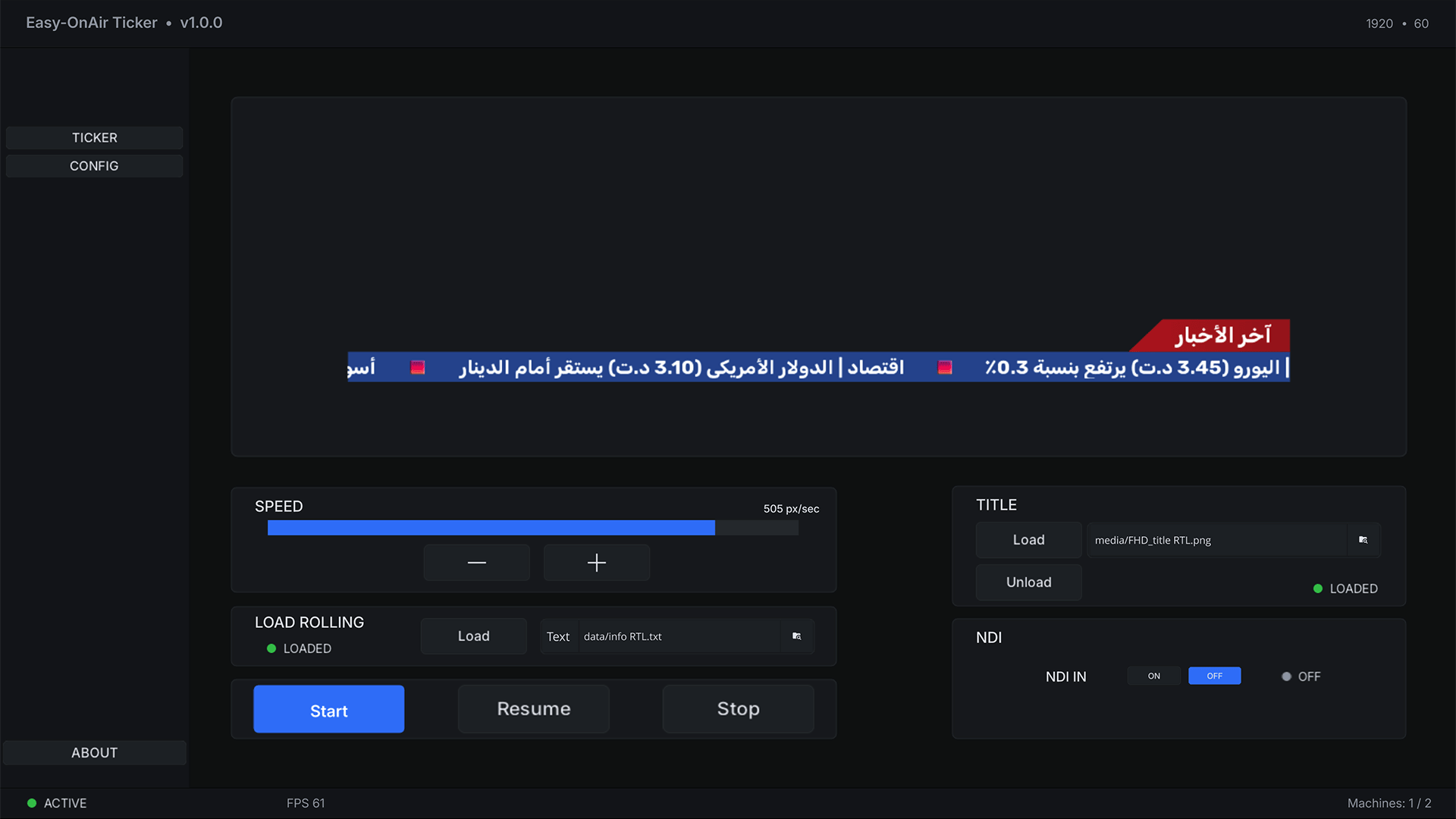
BROADCAST INTEGRATION
Connect easy-onair Ticker through NDI IN / OUT or SDI OUTPUT where supported by your TouchPlayer environment and compatible hardware.
Output documentation →REAL PRODUCT INTERFACE
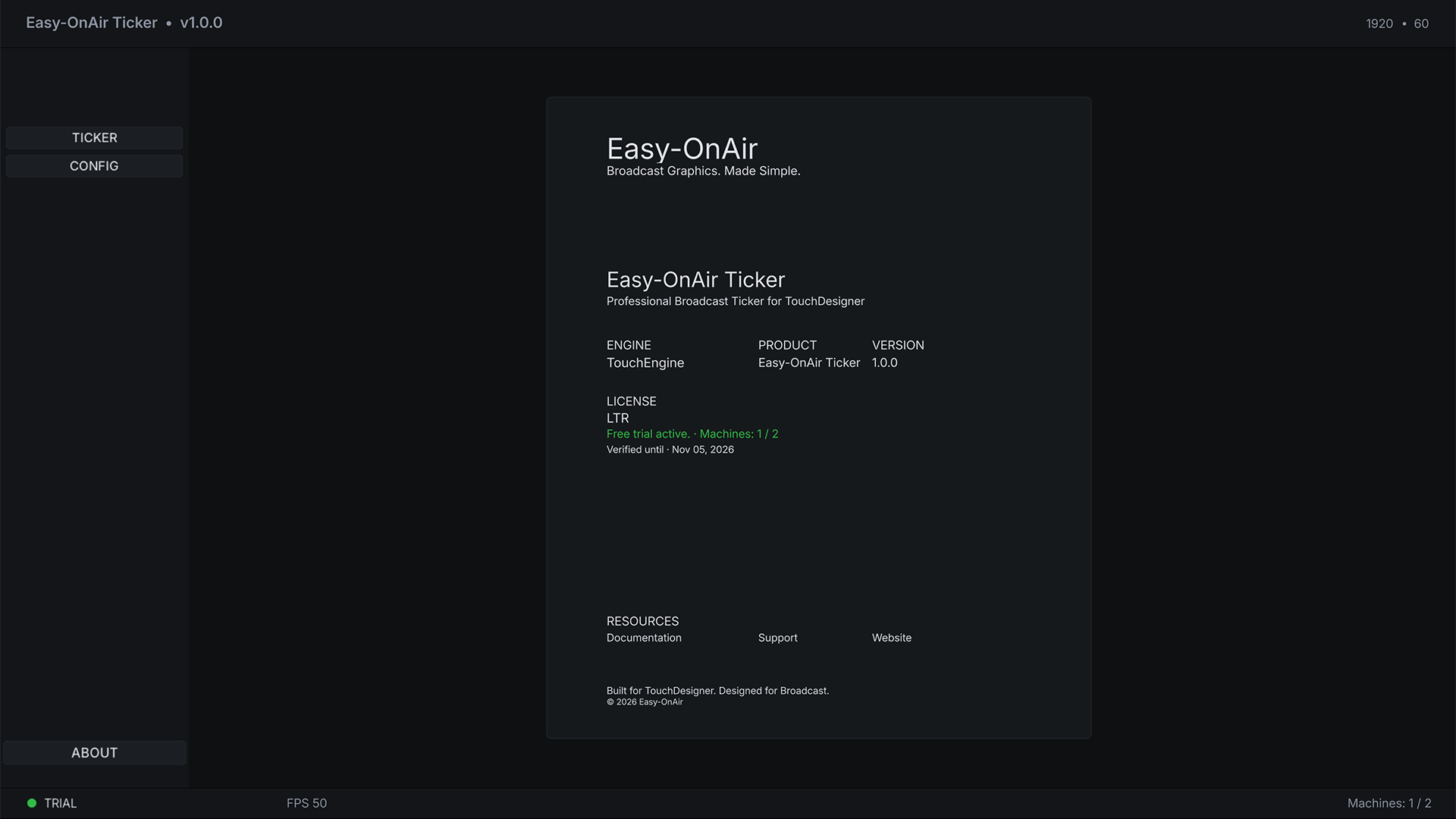
A closer look at the ticker, configuration and licence workflow.
LANGUAGE SUPPORT
Support multilingual productions with left-to-right Latin text and right-to-left Arabic text.
LATIN / LTR
Professional left-to-right ticker operation for English, French and other Latin-script broadcast workflows.
ARABIC / RTL
Professional right-to-left ticker operation for Arabic broadcast workflows.
LIVE OPERATION
Set your ticker direction, format, frame rate, title asset and rolling text.
Review the output before going live and make quick operational adjustments.
Run your ticker in your live broadcast workflow with the available output configuration.
WINDOWS & MACOS
easy-onair Ticker is delivered as a TouchDesigner project file (.toe) and runs in TouchPlayer on Windows and macOS.
PRICING
Choose Latin or Latin & Arabic with simple monthly billing.
Latin & Arabic
LTR + RTL
Secure payments by Lemon Squeezy
Payments are processed securely by Lemon Squeezy, which acts as the Merchant of Record.
REQUIREMENTS
Delivered as a TouchDesigner project file (.toe).
Realtime rendering powered by TouchEngine.
Runs in TouchPlayer (required, sold separately by Derivative).
Active subscription required to unlock LTR and/or RTL features.
Two machine activations included.
Internet access required for license activation.
easy-onair TICKER
Watch the product demo and choose the plan that fits your production.